
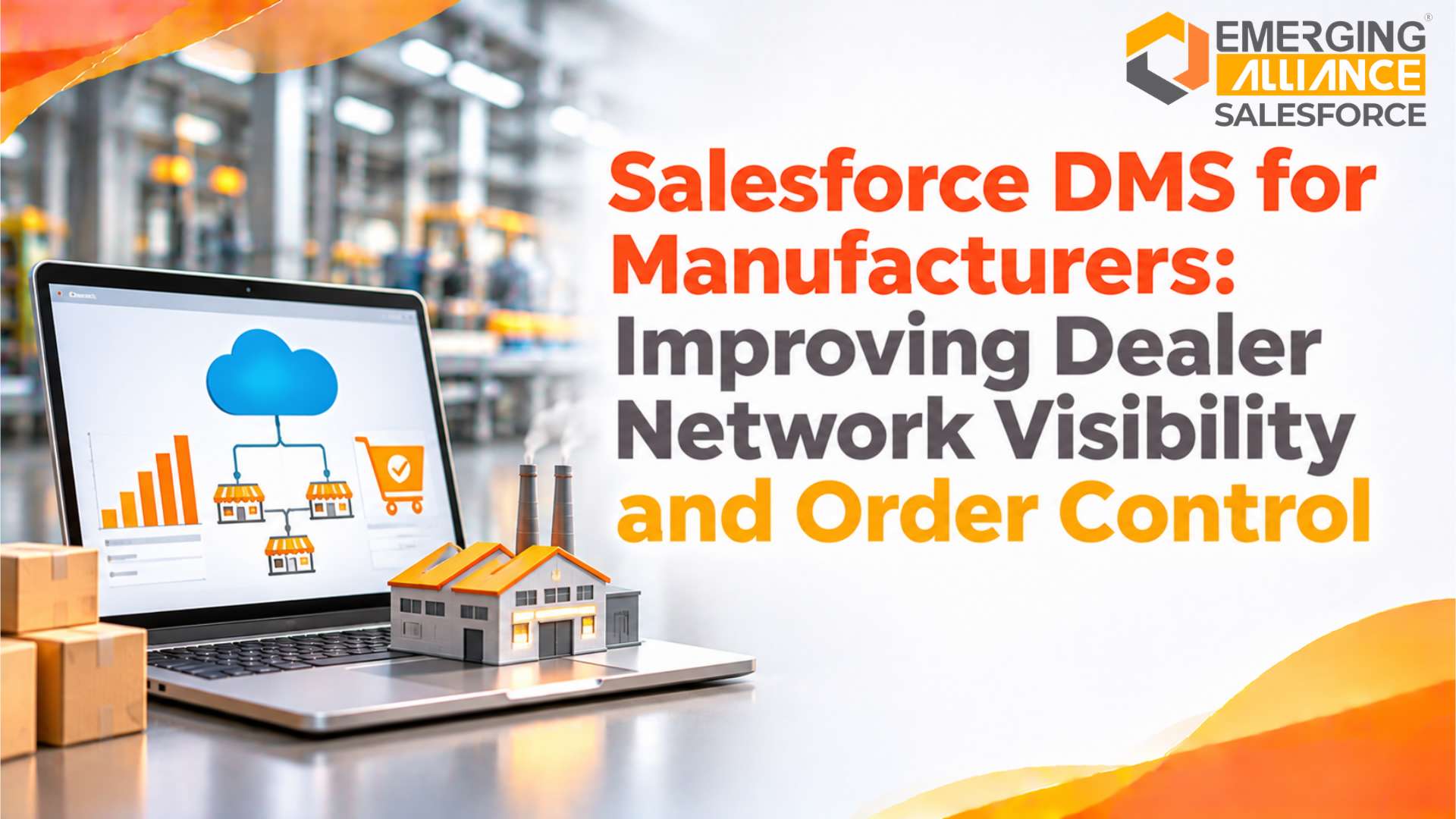
Salesforce DMS for Manufacturers: Improving Dealer Network Visibility and Order Control
Quick Answer
Salesforce DMS for manufacturers helps centralize dealer information, improve order visibility, coordinate distributor activities and monitor channel performance. By connecting dealer portals, sales workflows, inventory information and ERP systems, manufacturers can reduce manual coordination, identify order delays and make better decisions across their distribution networks.
Dealer Network Visibility Gaps That Affect Manufacturing Performance
A manufacturer’s distribution performance depends on more than production capacity and product availability. It also depends on how effectively the business manages dealers, distributors, regional partners and downstream sales activities.
As a dealer network expands, managing these relationships through spreadsheets, emails, phone calls and disconnected applications becomes increasingly difficult. Sales teams may maintain separate dealer records, regional managers may receive delayed sales updates, and operations teams may struggle to confirm order status or product availability.
These gaps affect management decisions and the ability to respond to market demand.
Consider a manufacturer working with dealers across several regions. Each dealer submits orders through a different channel. Some send purchase orders by email, others use spreadsheets, and a few communicate through sales representatives. Internal teams must consolidate this information before they can review demand, validate orders and coordinate fulfilment.
The result is limited visibility across the network.
Common operational challenges include:
- Fragmented dealer information: Dealer contacts, commercial agreements, sales history and performance records are stored across multiple systems.
- Delayed order updates: Sales and operations teams cannot easily identify whether an order is submitted, approved, processed or fulfilled.
- Limited inventory visibility: Manufacturers may not have timely information about stock held by dealers and distributors.
- Manual coordination: Teams spend time following up on order approvals, pricing changes, delivery updates and dealer enquiries.
- Inconsistent performance reporting: Regional managers may use different reporting formats, making comparisons difficult.
- Weak demand signals: Incomplete dealer sales and inventory information can affect demand planning and production decisions.
These are not simply communication problems. They create operational risks that can affect order fulfilment, working capital, channel relationships and revenue planning.
For leadership teams, the important question is whether the existing dealer management process provides reliable information for controlling the entire distribution network.
How Salesforce DMS Supports Manufacturer–Dealer Coordination
Salesforce DMS is commonly used to describe a dealer management solution built around Salesforce capabilities. It should not be treated as the name of one universal, standalone Salesforce product. The final solution may combine Salesforce CRM, Experience Cloud, manufacturing capabilities, automation and integrations according to the manufacturer’s requirements.
The objective is to establish a connected operating environment where manufacturers and authorized channel partners can access the information and workflows relevant to their roles.
A dealer-facing portal can provide controlled access to product information, order activities, sales opportunities, service requests and other approved business records. Internal teams can use shared workflows to coordinate dealer interactions and monitor operational progress.
For manufacturers, this creates a more structured way to manage channel activities.
| Operational area | Dealer management requirement | Business value |
|---|---|---|
| Dealer information | Centralized dealer records and relationship history | More consistent partner management |
| Order management | Structured order submission and status tracking | Better order visibility |
| Product information | Controlled access to product catalogues and pricing | Fewer information inconsistencies |
| Inventory coordination | Visibility into relevant stock and replenishment information | Improved supply coordination |
| Dealer performance | Consolidated sales and activity reporting | Better channel decisions |
| Partner communication | Shared requests, updates and workflows | Reduced manual follow-ups |
The solution should be designed around actual business processes rather than simply creating another portal. Manufacturers need to determine which information dealers can access, which actions they can perform and how each transaction connects with internal sales, finance, inventory and fulfilment processes.
Dealer Network Visibility Across Regions and Business Units
A growing dealer network introduces complexity in account ownership, regional targets, product availability and commercial agreements. Without a consistent information structure, management may struggle to understand the actual position of each dealer.
Salesforce-based dealer management can provide a centralized view of dealer relationships and activities, subject to the configured data model, integrations and user permissions.
Centralized dealer information
A structured dealer record can bring together relevant information such as:
- Dealer identity and contact information
- Assigned region and responsible account manager
- Authorized products and territories
- Commercial agreements and partner classifications
- Sales opportunities and order history
- Service requests and warranty activities
- Performance against agreed business targets
This information helps sales and channel teams work from consistent records rather than maintaining separate versions of dealer information.
It also supports better accountability. Managers can identify the person responsible for a dealer relationship, review pending activities and understand the history behind important commercial decisions.
Regional and multi-tier dealer visibility
Manufacturers often operate through distributors, sub-distributors, dealers and retailers. Each level may have different responsibilities and access requirements.
A suitable dealer management architecture should reflect these relationships.
For example, a regional distributor may need visibility into its authorized dealers, while an individual dealer should only access its own orders, approved product information and relevant business records.
Role-based access and account relationships help enforce these boundaries. Access should be designed and tested carefully, particularly when multiple legal entities, territories or distribution levels are involved.
Consistent dealer performance reporting
A consolidated view of dealer activity can help management evaluate performance across regions.
Useful indicators may include:
- Orders submitted and approved
- Order fulfilment status
- Sales against targets
- Dealer-wise product movement
- Outstanding activities and service requests
- Replenishment requirements
- Returns and warranty claims
These indicators should be interpreted together. A dealer with high order volume may still have weak sell-through performance or excessive returns. Management therefore needs more than a single sales figure to evaluate channel effectiveness.
Dealer Order Management and Approval Control
Order management is one of the most important areas in a manufacturing dealer network.
When dealers submit orders through disconnected channels, manufacturers may encounter incomplete purchase orders, duplicate entries, incorrect product details and delays in internal approvals.
A Salesforce DMS implementation can structure the order journey so that dealers and internal teams have clearer responsibilities at each stage.
Standardized dealer order submission
Dealers should be able to select authorized products, enter quantities, review relevant commercial information and submit orders through an approved workflow.
The submission process should validate essential information before an order moves to internal review.
Depending on the business model, validation rules may cover:
- Dealer authorization and account status
- Product availability and eligibility
- Required quantities and order units
- Applicable price lists and discounts
- Delivery location and requested dates
- Credit or approval restrictions
- Mandatory commercial information
These controls reduce avoidable corrections and help internal teams process more complete order requests.
Structured approval workflows
Not every order should follow the same approval path. High-value orders, exceptional discounts, credit-limit concerns and non-standard commercial terms may require additional authorization.
A workflow can route orders to the appropriate sales, finance or operations personnel based on configured business rules.
For example:
- A dealer submits an order through the portal.
- The system checks required fields and configured validation rules.
- The order moves to the relevant internal approval queue.
- Authorized personnel review pricing, quantities and commercial conditions.
- Approved information is passed to the connected ERP or order-processing system.
- The dealer receives an update based on the configured status workflow.
This process establishes clearer transaction ownership and helps reduce uncertainty around pending orders.
Order status visibility
Dealers should not need to contact multiple employees to understand whether an order has been received or processed.
A properly integrated solution can expose approved order statuses through the dealer portal. Internal teams can also monitor pending approvals, rejected orders and fulfilment exceptions.
The status definitions must be consistent across Salesforce and the ERP. For example, an order submitted in Salesforce should not automatically be presented as an ERP-confirmed sales order unless the relevant validation and integration steps have succeeded.
This distinction is important for preventing inaccurate information from reaching dealers.
Inventory Visibility and Dealer Replenishment Coordination
Inventory information across a dealer network is essential for manufacturers that depend on regional distribution.
However, the manufacturer’s warehouse stock and the inventory held by distributors or dealers are not necessarily the same. Each represents a different part of the supply chain.
Without timely stock information, manufacturers may struggle to identify regional shortages, excess inventory or replenishment requirements.
A Salesforce DMS solution can bring relevant inventory information into dealer and management workflows through appropriate system integration.
Connecting dealer stock information
Depending on the operating model, the solution may provide visibility into:
- Available stock at manufacturer warehouses
- Inventory held by distributors
- Dealer-level stock balances
- Products reserved against open orders
- Stock in transit
- Replenishment requests
- Batch or serial information, where applicable
The source of each inventory figure must be clearly defined. If inventory is maintained in an ERP or warehouse management system, Salesforce should consume the relevant information through a controlled integration rather than becoming an ungoverned duplicate inventory database.
Improving replenishment decisions
Dealer demand and stock information can help manufacturers identify replenishment requirements earlier.
For example, if a distributor’s available quantity falls below an agreed threshold, the system may initiate a replenishment request or notify the responsible account manager.
The manufacturer can then review the request against stock availability, production plans, lead times and commercial conditions.
This improves coordination between channel sales, inventory management and fulfilment teams.
However, accurate replenishment decisions depend on data quality and update frequency. Delayed dealer stock reporting or inconsistent product identifiers can still produce misleading results. These issues must be addressed during implementation.
Dealer Performance Monitoring and Sales Accountability
Dealer performance directly influences the effectiveness of a manufacturer’s distribution strategy.
When performance information is spread across spreadsheets, emails and separate reporting tools, management may not have a consistent basis for evaluating partners.
A Salesforce DMS environment can consolidate relevant dealer activities and support performance monitoring through dashboards and reports.
Sales performance against targets
Manufacturers can evaluate dealer sales against agreed targets, territories, product categories and reporting periods.
This helps channel managers identify dealers that are meeting expectations and those that may require additional support.
Performance analysis should consider more than total order value. Depending on the business model, relevant measures may include order frequency, product mix, repeat purchases, fulfilment performance and sell-through information.
Identifying underperforming dealer relationships
A decline in dealer activity may indicate several different issues.
The dealer may be facing weak local demand, insufficient product availability, pricing pressure, delayed fulfilment or limited sales support.
A consolidated performance view helps managers identify where further investigation is required.
It does not automatically explain the cause. Sales and operational teams still need to validate the underlying information and engage with the dealer before deciding on corrective action.
Incentive and commercial program visibility
Manufacturers may operate volume rebates, promotional schemes, growth incentives and other partner programs.
A structured solution can help record relevant program details, track eligible activities and provide visibility into claims and approvals, depending on the Salesforce capabilities and configuration selected.
This supports more transparent dealer relationships and helps finance and channel teams review commercial commitments.
Salesforce DMS and ERP Integration for Consistent Order Data
A dealer management solution cannot provide reliable operational control if it operates separately from the manufacturer’s core business systems.
Salesforce may manage dealer relationships, customer-facing workflows and channel interactions, while an ERP system typically manages core transactions such as inventory, purchasing, financial accounting and sales order processing.
The integration between these environments determines whether information remains consistent across departments.
Why ERP integration matters
Without integration, employees may need to re-enter dealer orders, update customer information manually or reconcile order statuses between systems.
This creates additional work and increases the risk of inconsistent records.
An integrated architecture can support the controlled exchange of information such as:
| Data or process | Typical system responsibility |
|---|---|
| Dealer and account relationships | Salesforce CRM, subject to master-data design |
| Dealer portal activities | Salesforce Experience Cloud |
| Product and pricing information | ERP or designated product/pricing system |
| Inventory balances | ERP or inventory management system |
| Dealer order submission | Salesforce dealer workflow |
| Confirmed sales order | ERP, according to transaction design |
| Invoice and accounting records | ERP or financial system |
| Order status updates | Synchronized between relevant systems |
The exact ownership model must be agreed before development begins. Two systems should not independently modify the same critical record without clear rules for resolving conflicts.
Integration with SAP Business One and other ERP systems
Manufacturers using SAP Business One or another ERP may need Salesforce to exchange dealer, product, order and inventory information with the existing business environment.
Integration requirements depend on the ERP version, database, available APIs, middleware, customizations and transaction volumes.
A typical integration may involve the following sequence:
- Salesforce captures a dealer’s order request.
- The integration layer validates and transfers the required information.
- The ERP processes the transaction according to its business rules.
- The ERP returns the relevant confirmation or rejection.
- Salesforce updates the dealer-facing order status.
- Subsequent fulfilment or invoice updates are synchronized where required.
The integration should also address failed transactions, duplicate submissions, retry mechanisms, audit logs and exception ownership.
For leadership teams, the objective is not simply to connect two applications. It is to establish a dependable flow of business information without weakening existing financial and inventory controls.
Implementation Considerations for a Salesforce Dealer Management System
A successful implementation begins with process clarity, not portal development.
Manufacturers should evaluate their current dealer network structure, order lifecycle, ERP architecture, data quality and reporting requirements before finalizing the solution scope.
1. Map the existing dealer operating model
Document how dealers are recruited, approved, assigned to territories and managed after onboarding.
Identify the different partner categories, account relationships, commercial responsibilities and information-access requirements.
This prevents the implementation from forcing every dealer into an unsuitable standard workflow.
2. Define order and approval requirements
Map the complete order lifecycle from dealer submission to ERP confirmation and fulfilment.
Document validation rules, approval thresholds, exception handling and status definitions.
The objective is to reduce manual intervention while retaining the controls required by sales, finance and operations.
3. Establish data ownership and governance
Determine which system owns dealer master data, product information, pricing, inventory and transaction records.
Define data standards, duplicate-record controls, update frequency and access permissions.
Without these decisions, integration can transfer inconsistent information faster rather than improve data quality.
4. Plan ERP integration and exception handling
Review available integration methods and expected transaction volumes.
Define how the solution will handle failed messages, duplicate orders, rejected transactions, delayed updates and system downtime.
Monitoring and reconciliation should be part of the integration design rather than an afterthought.
5. Design role-based dealer access
Dealers, distributors, regional managers and internal employees should only access the information relevant to their responsibilities.
Test access controls using realistic partner scenarios, including multi-tier distribution structures and territory changes.
6. Measure operational results
Establish baseline measurements before deployment.
Useful indicators include order processing time, order correction frequency, pending approval volume, order-status enquiry volume, inventory data freshness and dealer portal adoption.
These measurements help determine whether the implementation is improving operational control.
Business Impact of Improving Dealer Network Visibility and Order Control
The value of Salesforce DMS should be assessed through measurable business outcomes rather than the number of features deployed.
A manufacturer should connect each implementation objective with a specific operational indicator.
| Business challenge | Improvement objective | Measurement approach |
|---|---|---|
| Incomplete dealer information | Improve record consistency | Duplicate and incomplete dealer records |
| Manual order processing | Standardize order submission | Order correction rate |
| Delayed approvals | Improve workflow accountability | Approval turnaround time |
| Limited order visibility | Improve status transparency | Order-status enquiry volume |
| Fragmented inventory information | Improve stock-data availability | Inventory update frequency |
| Inconsistent dealer reporting | Improve performance monitoring | Reporting completeness |
| Manual ERP data entry | Reduce repeated transaction handling | Manual re-entry frequency |
The expected impact depends on the manufacturer’s starting processes, implementation scope, data quality, user adoption and integration reliability.
For example, introducing a dealer portal will not automatically improve order processing if approval responsibilities remain unclear or ERP updates continue to fail.
Similarly, dashboards cannot provide dependable management insight when dealer sales and inventory information is incomplete.
The strongest results come from combining process standardization, reliable integration, role-based access and consistent performance measurement.
When Manufacturers Should Consider Salesforce DMS
A Salesforce-based dealer management solution may be worth evaluating when the existing distribution model creates recurring visibility or coordination problems.
Typical indicators include:
- Dealer information is maintained across disconnected spreadsheets and applications.
- Sales teams cannot obtain a consistent view of dealer activity.
- Order submissions require repeated manual verification.
- Dealers frequently contact internal teams for order updates.
- Regional managers lack timely performance information.
- Inventory and replenishment information is difficult to consolidate.
- The business is expanding into new territories or adding distribution levels.
- Existing CRM and ERP systems do not adequately support dealer-facing workflows.
Manufacturers should also evaluate whether their current systems can address these issues through configuration or process improvements before introducing additional software.
The decision should be based on business requirements, integration complexity, licensing considerations, security, scalability and the expected operational value.
Improve Dealer Network Visibility and Order Control
Disconnected dealer information and manual order coordination can make distribution management increasingly difficult as manufacturing businesses expand.
A properly designed Salesforce DMS solution can help manufacturers establish structured dealer workflows, improve order visibility and connect channel operations with their ERP environment.
Emerging Alliance helps businesses evaluate enterprise application requirements, integration needs and process improvements. Manufacturers can discuss their existing dealer management challenges, Salesforce requirements and ERP integration scope with the team.
Frequently Asked Questions
Evaluate Your Dealer Management Requirements
Disconnected dealer information and manual order coordination can make distribution management increasingly difficult as manufacturing businesses expand. Emerging Alliance helps businesses evaluate enterprise application requirements, integration needs and process improvements. Manufacturers can discuss their existing dealer management challenges, Salesforce requirements and ERP integration scope with the team.
Request a Salesforce DMS Consultation