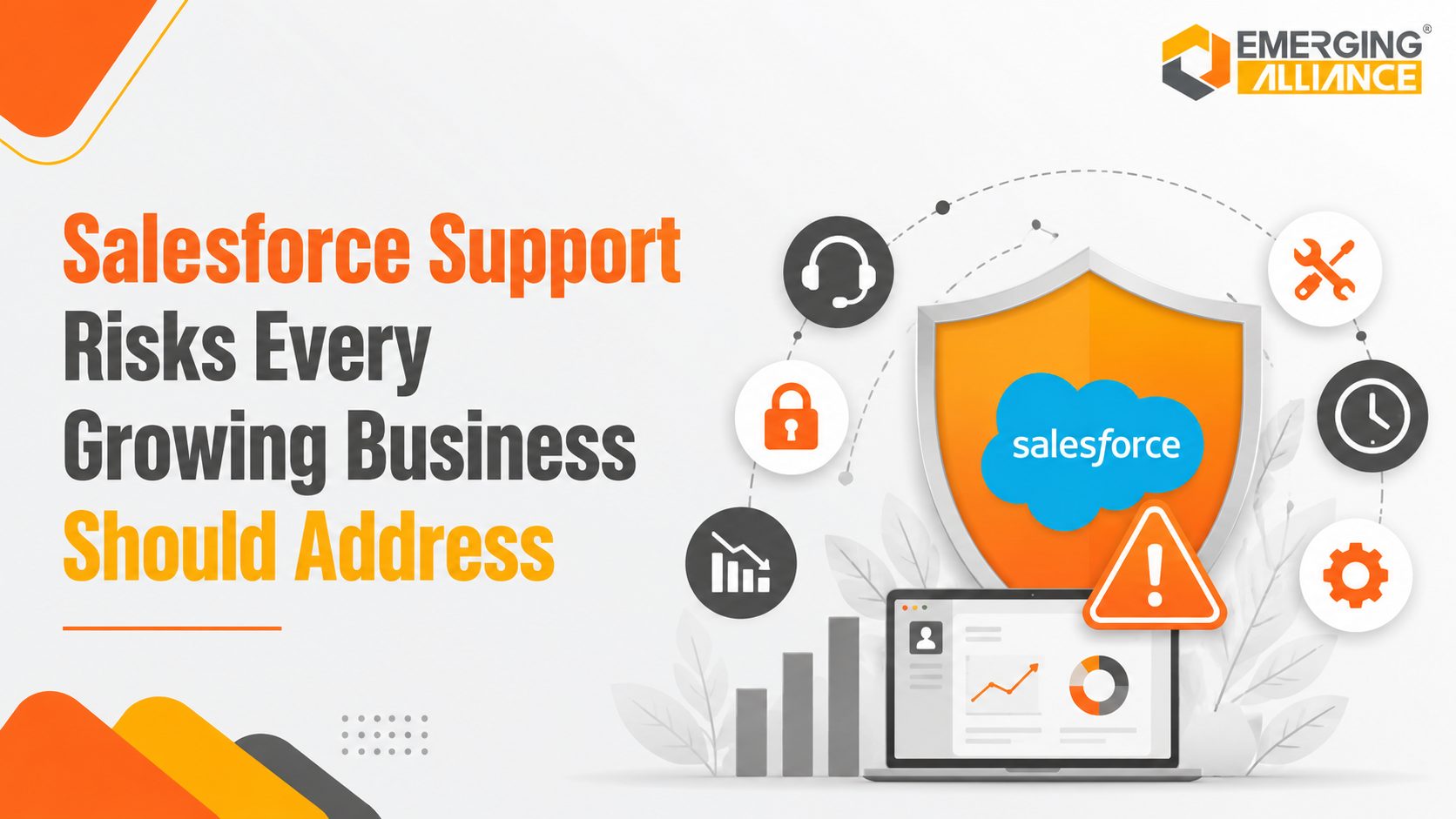
Salesforce Support Risks Every Growing Business Should Address
ce Support planning that reduces disruption, strengthens resilience, and protects growth
Salesforce Support is the ongoing administration, maintenance, optimization, security oversight, and technical assistance required to keep a Salesforce environment reliable after implementation. For a growing business, it protects CRM performance, user adoption, data quality, integrations, reporting, and business continuity. A successful Salesforce launch is only the start. As the organization adds users, products, regions, automation, and connected systems, the CRM becomes more complex. Without structured support, small configuration and governance issues can develop into operational risks that affect sales productivity, customer service, forecasting, and revenue.
The following risks are the most important for growing businesses to identify and control.
Salesforce Support Risks at a Glance
| Risk | Business consequence | Support response |
| Low user adoption | Incomplete records, weak forecasting, lost CRM ROI | Role-based training, usability improvements, adoption reviews |
| Data quality decline | Unreliable reports, segmentation errors, poor decisions | Validation, deduplication, governance, cleansing |
| Automation failure | Missed assignments, delayed approvals, manual work | Flow reviews, regression testing, deployment controls |
| Integration failure | Order delays, duplicate data, reconciliation effort | API monitoring, error analysis, synchronization checks |
| Security exposure | Unauthorized access, compliance risk, trust damage | Access reviews, Health Check, MFA and permission governance |
| Release disruption | Compatibility issues, user confusion, technical debt | Sandbox testing, release planning, change communication |
| Performance degradation | Slow work, frustration, lower adoption | Report, page, query, and automation optimization |
| Limited internal expertise | Slow resolution, backlog growth, dependency on one admin | Managed support from administrators, consultants, and architects |
Why Salesforce Support Matters After Go-Live
Salesforce is a continuously evolving cloud platform. It delivers three major seasonal releases each year—Spring, Summer, and Winter—and some products receive updates more frequently. Because upgrades are automatic, businesses need a repeatable process for release review, sandbox testing, user communication, and post-release validation.
Business requirements also change continuously. New sales models, territories, approval rules, integrations, dashboards, and security expectations can quickly make an older configuration unsuitable. Proactive Salesforce Support keeps the platform aligned with the operating model instead of allowing technical debt to accumulate.
1. Poor User Adoption
The risk: When screens are difficult to navigate, processes are unclear, or users cannot get help quickly, teams begin working outside Salesforce. Spreadsheets, inboxes, and personal notes then become unofficial systems of record.
Business impact: Incomplete customer records, poor collaboration, unreliable forecasting, and reduced return on the Salesforce investment.
Support response: Simplify page layouts and processes, provide role-based guidance, monitor adoption, and use user feedback to prioritize improvements.
2. CRM Data Quality Problems
The risk: Duplicate accounts, missing fields, outdated contacts, inconsistent naming, and manual-entry errors spread into reports, automation, and integrations.
Business impact: Weak segmentation, inaccurate forecasts, ineffective campaigns, and poor executive decisions.
Support response: Apply validation rules, duplicate management, standard definitions, ownership policies, data audits, and controlled cleansing.
3. Broken Workflow Automation
The risk: Flows, Apex logic, validation rules, and approval processes can conflict or become outdated after configuration changes.
Business impact: Missed lead routing, delayed follow-ups, incorrect updates, failed approvals, and more manual work.
Support response: Use change-impact assessments, regression testing, deployment validation, error monitoring, and periodic automation reviews.
4. Failed CRM Integrations
The risk: Connections with ERP, marketing, finance, eCommerce, service, or middleware platforms can fail because of authentication changes, API updates, mapping errors, or network issues.
Business impact: Order delays, missing customer information, duplicate records, revenue leakage, and manual reconciliation.
Support response: Monitor integration jobs and API usage, review error logs, validate synchronization, document ownership, and resolve root causes.
5. Salesforce Security Vulnerabilities
The risk: Growing organizations accumulate users, permission sets, connected applications, and external access paths. Inactive accounts or excessive permissions can remain unnoticed.
Business impact: Unauthorized access, compliance exposure, customer trust damage, and business disruption.
Support response: Perform access reviews, remove inactive users, verify multi-factor authentication, assess connected apps, and use Salesforce Security Health Check against an appropriate baseline.
6. Performance Degradation
The risk: Heavy reports, inefficient automation, complex page layouts, custom code, and expanding data volumes can slow the user experience.
Business impact: Lower productivity, slower responses, user frustration, and declining adoption.
Support response: Review report filters, page composition, automation design, code behavior, data volumes, and integration load.
7. Inadequate Release Management
The risk: Automatic platform upgrades can introduce behavior changes, required updates, and new capabilities that administrators must assess.
Business impact: Unexpected behavior, failed business processes, user confusion, and missed opportunities to adopt useful features.
Support response: Review release notes, test relevant changes in sandboxes, complete user acceptance testing, document decisions, and monitor production after release.
8. Reporting Inaccuracies
The risk: Dashboards become unreliable when source data, formulas, report filters, or KPI definitions are no longer aligned with the business.
Business impact: Poor revenue forecasting, misallocated resources, and weak executive decisions.
Support response: Validate data sources, standardize KPI definitions, retire outdated reports, confirm sharing rules, and assign report ownership.
9. Compliance and Governance Gaps
The risk: Weak access controls, incomplete documentation, unclear retention practices, or inconsistent record management make audits and regulatory obligations harder to manage.
Business impact: Financial penalties, contractual disputes, investigation risk, and reputational damage.
Support response: Establish governance policies, review access and activity, maintain documentation, and align controls with the organization’s legal and industry requirements.
10. Dependence on Limited Internal Expertise
The risk: A single administrator may be expected to handle support tickets, automation, integrations, releases, security, reporting, and strategic improvements.
Business impact: Backlogs, slow issue resolution, technical debt, and operational risk when key staff are unavailable.
Support response: Use a managed Salesforce Support model that adds administrators, developers, consultants, architects, and business analysts as required.
11. Business Continuity Weaknesses
The risk: Without documented configuration, ownership, incident processes, and tested recovery arrangements, the organization may struggle during outages, errors, or staff changes.
Business impact: Extended disruption, lost productivity, delayed customer service, and revenue risk.
Support response: Maintain runbooks, ownership matrices, incident priorities, configuration records, integration documentation, and verified backup and recovery procedures.
A Practical Growth Scenario
Consider a manufacturer that implemented Salesforce three years ago and later added new regions, product lines, ERP integration, and marketing automation. Over time, lead assignment stopped working, duplicate accounts affected reporting, integration errors delayed order processing, and users created spreadsheets outside the CRM. Security permissions also became inconsistent as the workforce expanded.
These issues appeared separate, but they shared one cause: the Salesforce environment had grown without a formal support and governance model. A structured support program restored automation, improved data quality, stabilized integrations, reviewed permissions, introduced release management, and retrained users. The result was a more dependable CRM and better management visibility.
Business Value of Proactive Salesforce Support
Fewer critical incidents through preventive monitoring and controlled change management.
- Higher user productivity through reliable automation, faster resolution, and simpler processes.
- Improved reporting confidence through stronger data governance and KPI ownership.
- Better customer experiences through consistent lead, sales, and service workflows.
- Lower technical debt through regular cleanup, documentation, and architecture reviews.
- Stronger security through access governance, Health Check reviews, and connected-app oversight.
- More scalable CRM operations as users, data, products, and integrations increase.
- Greater long-term return from the Salesforce investment through continuous optimization.
Signs Your Business Needs Ongoing Salesforce Support
Users regularly work in spreadsheets because Salesforce feels slow or difficult.
- Admin requests and enhancement backlogs continue to grow.
- Reports and dashboards produce conflicting numbers.
- Flows, approvals, or lead assignments fail unexpectedly.
- Integrations require frequent manual reconciliation.
- Release testing is inconsistent or absent.
- Inactive users and excessive permissions are not reviewed regularly.
- Only one person understands the current configuration.
- Documentation is incomplete, outdated, or unavailable.
- Leadership cannot clearly connect Salesforce activity with business outcomes.
Reactive Support vs Proactive Salesforce Managed Services
| Dimension | Reactive support | Proactive managed support |
| Operating model | Respond after an issue is reported | Monitor, maintain, improve, and prevent |
| Release readiness | Ad hoc review | Planned assessment, sandbox testing, UAT, communication |
| Security | Periodic response to findings | Scheduled access, baseline, and connected-app reviews |
| Data quality | One-time cleanup | Ongoing governance, validation, ownership, and audits |
| Automation | Fix broken processes | Review design, test changes, reduce conflicts |
| Business alignment | Ticket focused | Roadmap focused and tied to business priorities |
| Knowledge continuity | Dependent on individuals | Documented processes and shared expertise |
How Emerging Alliance Supports Salesforce Growth
Emerging Alliance provides Salesforce Support Services that combine daily administration, technical troubleshooting, platform optimization, governance, and strategic improvement. The objective is not only to close tickets but to keep Salesforce aligned with business operations as complexity increases.
- Salesforce Admin Support for users, permissions, reports, dashboards, fields, validation, and configuration.
- Technical support for Flow, Apex, integrations, deployments, and error resolution.
- Release management covering impact review, sandbox testing, user acceptance testing, and production monitoring.
- Security and governance reviews covering access, permission design, MFA, connected applications, and Health Check findings.
- Data quality services covering duplicate management, validation, cleansing, ownership, and reporting reliability.
- Performance and technical-debt reviews covering automation, custom code, page layouts, reports, and integrations.
- User enablement through training, process documentation, administrator coaching, and adoption improvement.
- Flexible engagement models ranging from defined support hours to ongoing Salesforce Managed Services.
The strongest support model is built around service priorities, response expectations, named ownership, documented processes, and a recurring improvement roadmap. These elements should be agreed before support begins.
Frequently Asked Questions
What is Salesforce Support?
Salesforce Support is the ongoing administration, maintenance, optimization, security oversight, and technical assistance required to keep a Salesforce environment reliable after implementation.
What is included in Salesforce Support Services?
Services commonly include Salesforce administration, incident resolution, Flow and Apex support, integration monitoring, release management, data quality improvement, security reviews, reporting support, user enablement, and continuous optimization.
How is partner-led Salesforce Support different from Salesforce product support?
Salesforce product support generally helps customers with platform issues and support cases according to their purchased success plan. A Salesforce consulting or managed-services partner can also manage the customer’s configurations, business processes, integrations, enhancements, governance, and improvement roadmap.
How often should a Salesforce environment be reviewed?
Critical integrations and incidents should be monitored continuously. Access, automation, data quality, performance, and backlog reviews are commonly scheduled monthly, while formal health checks and roadmap reviews may be conducted quarterly or before major business changes.
Can Salesforce Support improve user adoption?
Yes. Support can improve adoption by simplifying screens and processes, resolving recurring friction, providing role-based training, responding to user questions, and monitoring how consistently teams use the CRM.
Can Salesforce Support reduce technical debt?
Yes. Regular reviews can identify obsolete fields, duplicate automation, outdated code, unused reports, poor documentation, and configuration patterns that increase maintenance effort.
Why is release management necessary for Salesforce?
Salesforce delivers three major seasonal releases each year, and some products receive more frequent updates. Release management helps teams identify relevant changes, test affected processes, prepare users, and validate production behavior.
When should a company consider Salesforce Managed Services?
Managed services are useful when support demand exceeds internal capacity, the organization relies heavily on integrations and automation, improvement backlogs are growing, or business continuity depends too heavily on one administrator.
How should a business select a Salesforce Support partner?
Evaluate certified expertise, relevant cloud and integration experience, response processes, documentation standards, security practices, release-management capability, governance approach, service reporting, and the ability to connect technical work with business outcomes.
Protect CRM Performance Before Risks Escalate
Your Salesforce platform should support growth, not create hidden operational risk. A structured Salesforce Health Check can identify weaknesses across performance, security, automation, data quality, reporting, integrations, and governance.
Book a Free Salesforce Support Consultation.